
HexoKit
Your tmux, in the browser and on your phone. HexoKit is a remote console for the machine you actually work on — every tmux session and pane as a live terminal, in a sidebar, from your desk or your couch. It never wraps what’s in the pane: a pane is equally an AI coding agent, a dev server, a REPL, or an ssh session. rk riff spawns each parallel workspace in its own git worktree; rk serve opens the dashboard that watches them all. Because it exposes your tmux rather than any one agent’s protocol, it outlives whatever coding agent you’re running this month.
Install
Section titled “Install”curl -fsSL https://hexokit.com/install | sh
Installs shll and HexoKit via Homebrew — the six companions
are one shll install away. See the full install guide.
Screenshots
Section titled “Screenshots”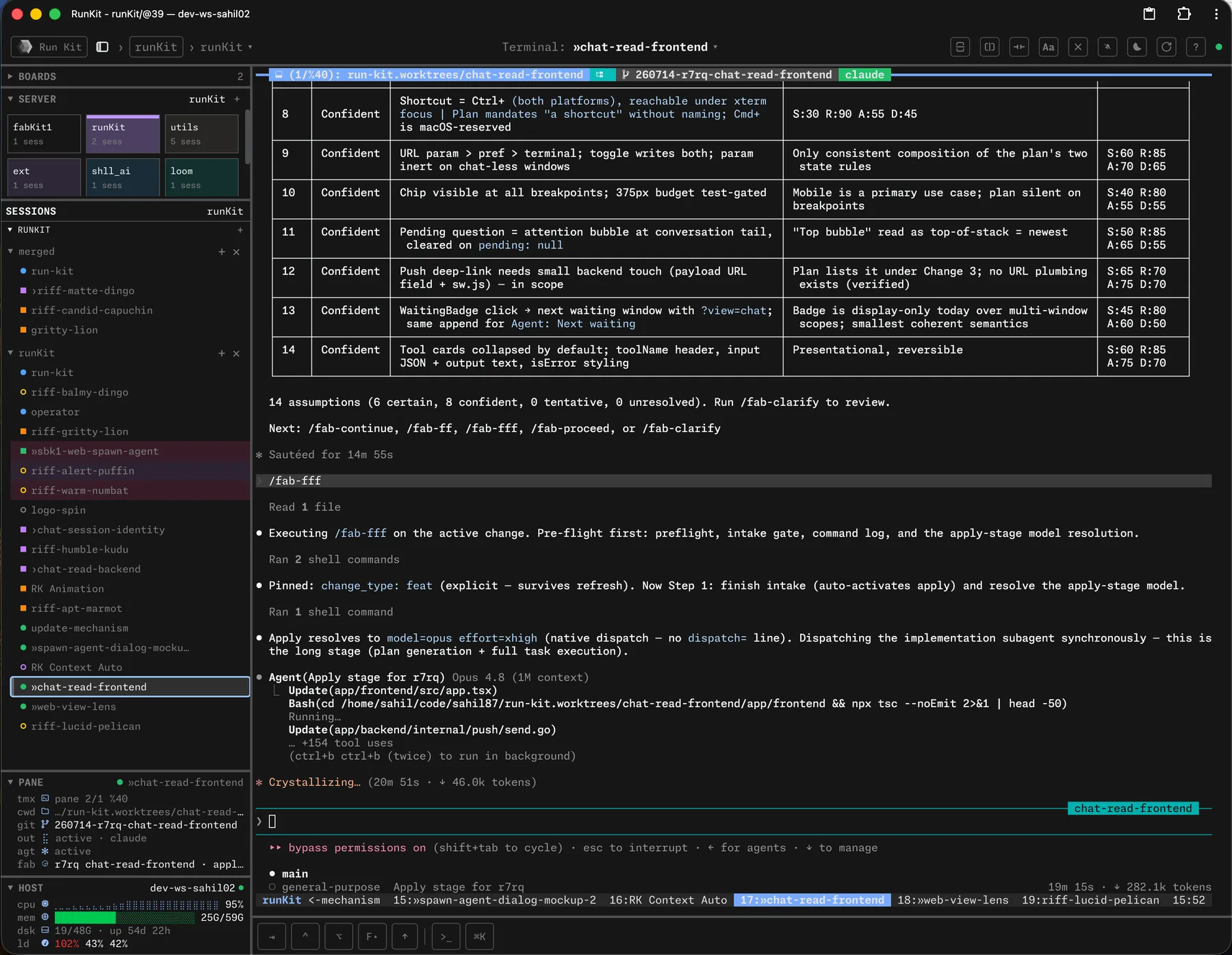
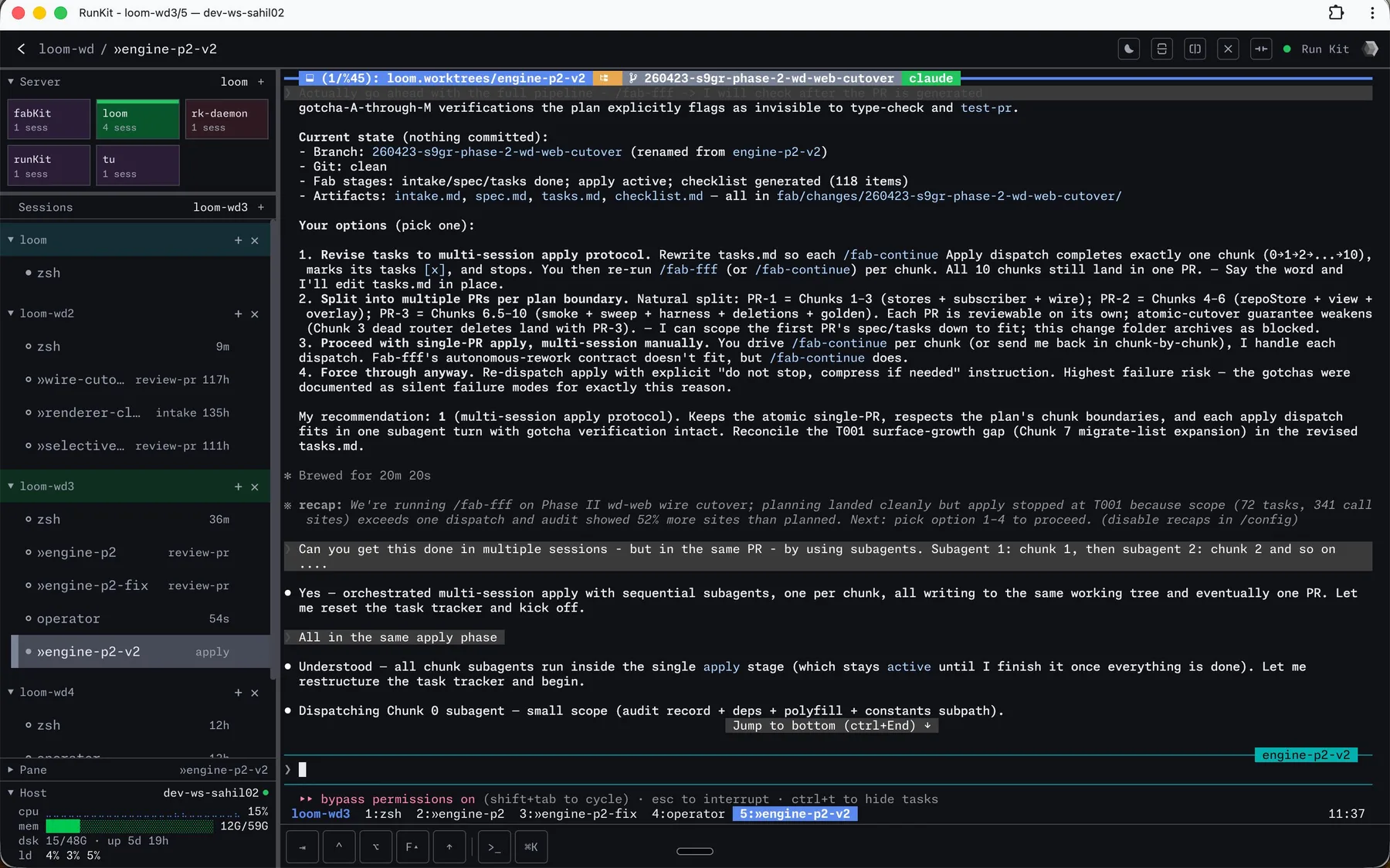
How it fits
Section titled “How it fits”HexoKit is the window onto everything else: it watches the agent sessions running in your wt worktrees, so a whole fan-out of parallel changes lives on one screen. Pair it with tu to keep the running cost of those sessions in view.