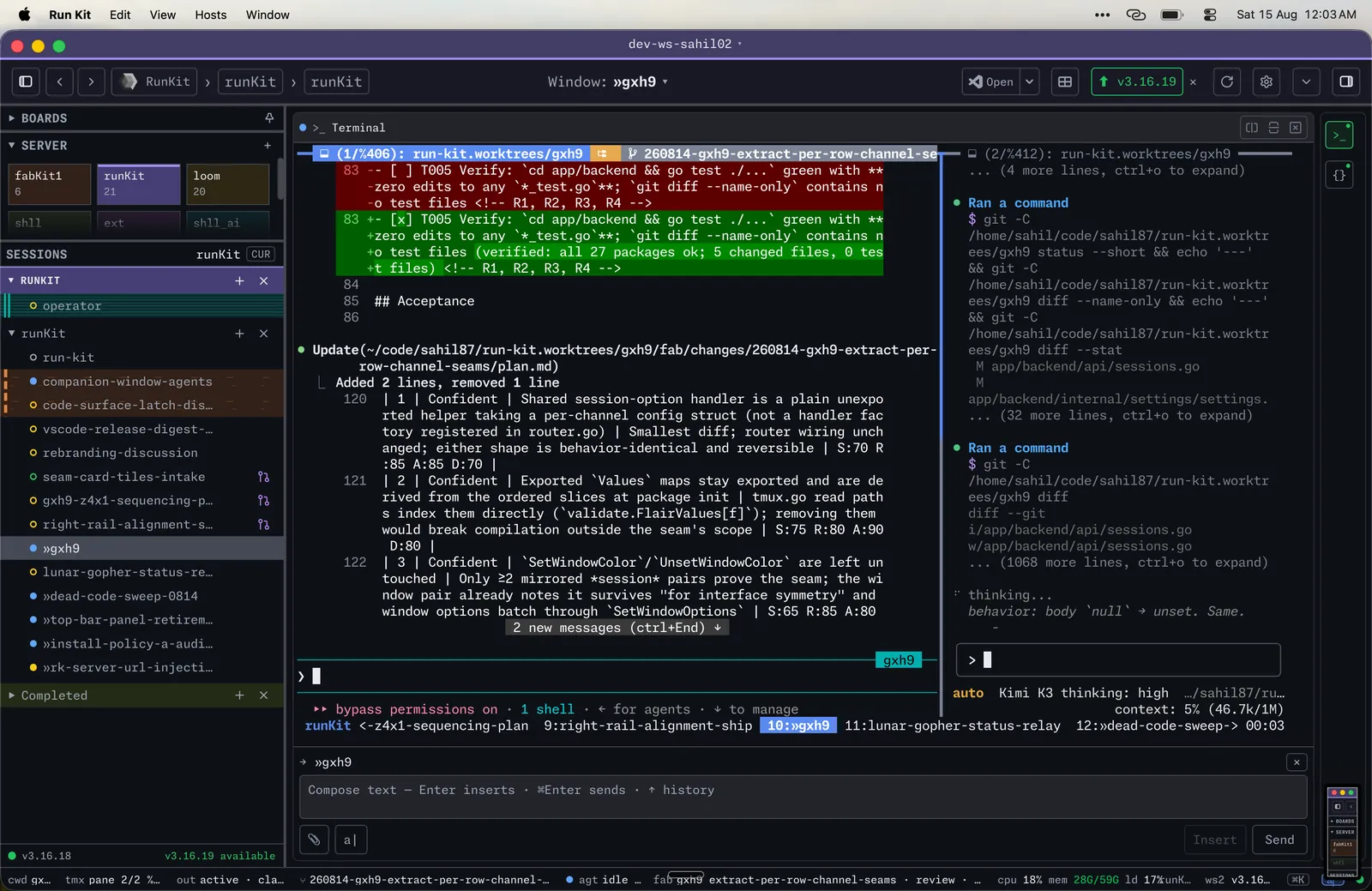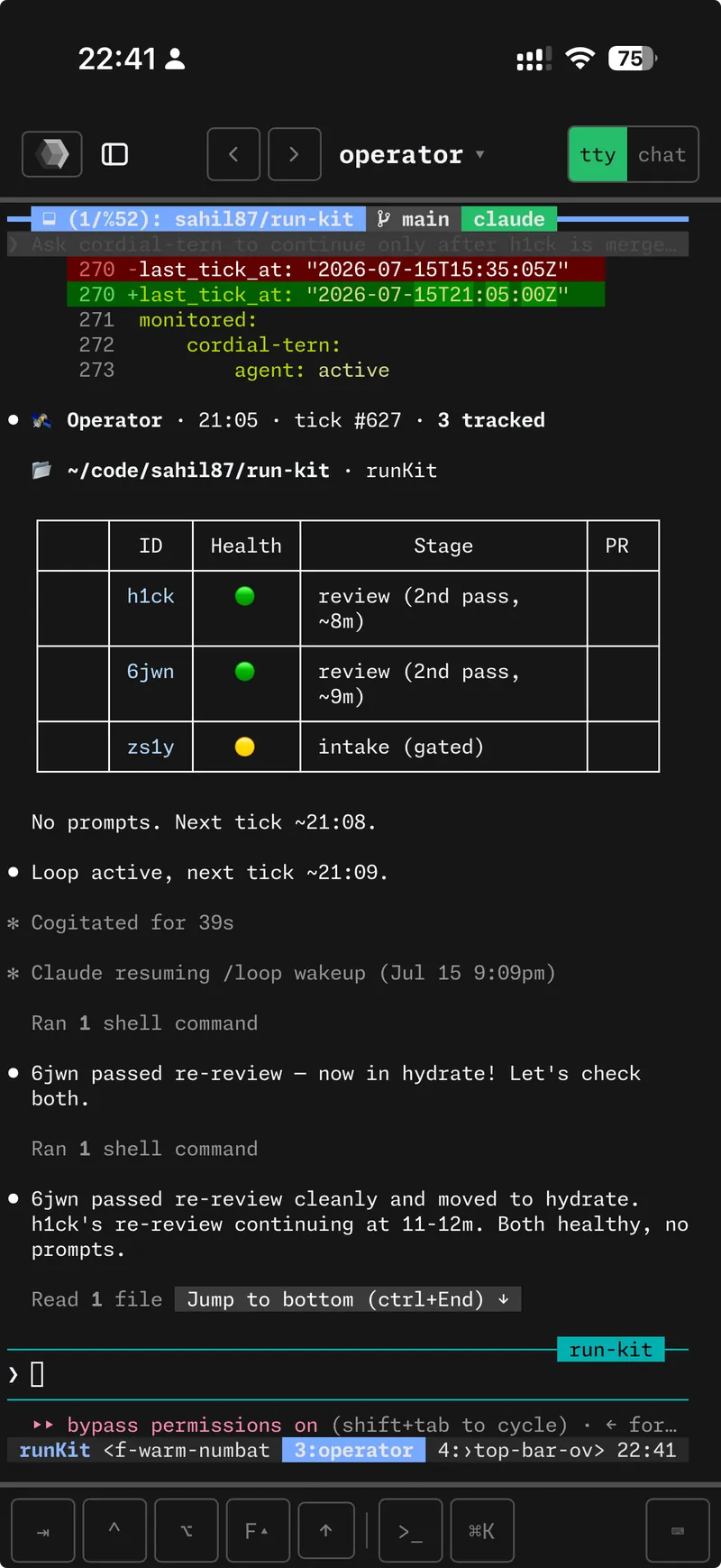
Every pane, on every device
Tap a session on your phone and you are in the shell you left at your desk. Over Tailscale from anywhere.
→ docshexokit · v3.21.1
Cockpit for the agent era.
A remote console for the machine you actually work on. Every tmux session and pane is a live terminal, at your desk or on the couch. Nothing to configure, no database.
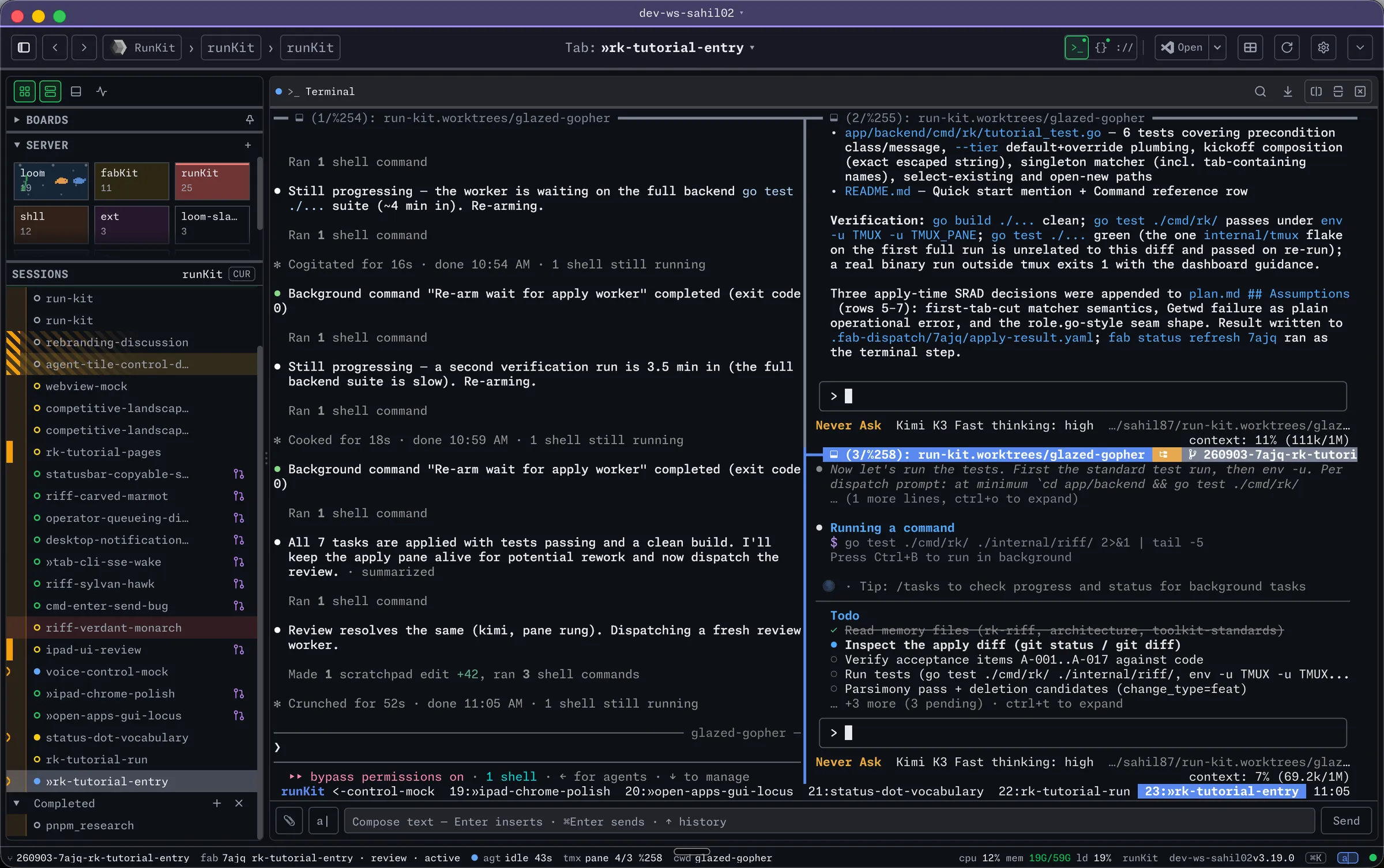
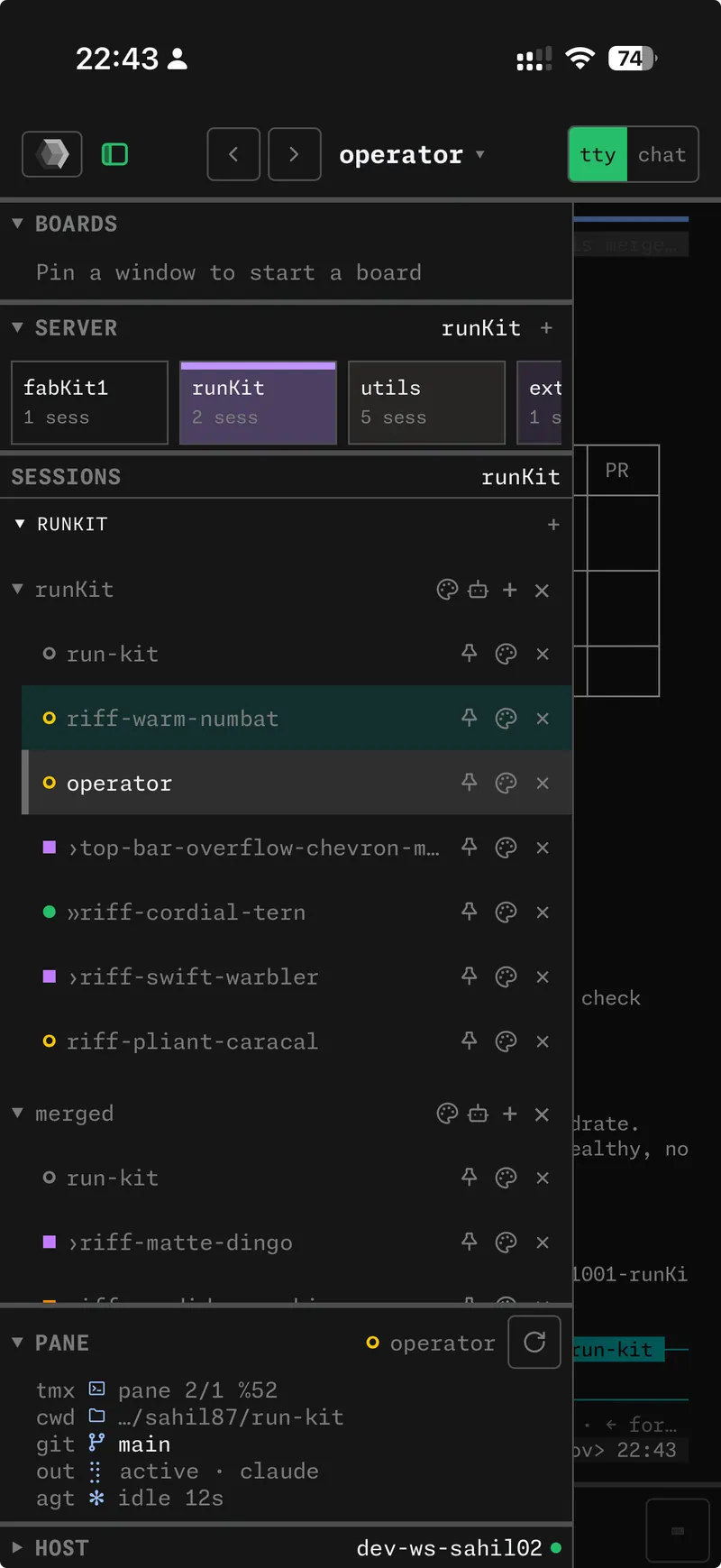
install
curl -fsSL hexokit.com/install | shbrew install sahil87/tap/hexokit
Installs shll and HexoKit. Nothing else. The six companions are one more command away.
Needs tmux 3.4 or newer. Run rk doctor if anything looks wrong.
what it does
Tap a session on your phone and you are in the shell you left at your desk. Over Tailscale from anywhere.
→ docs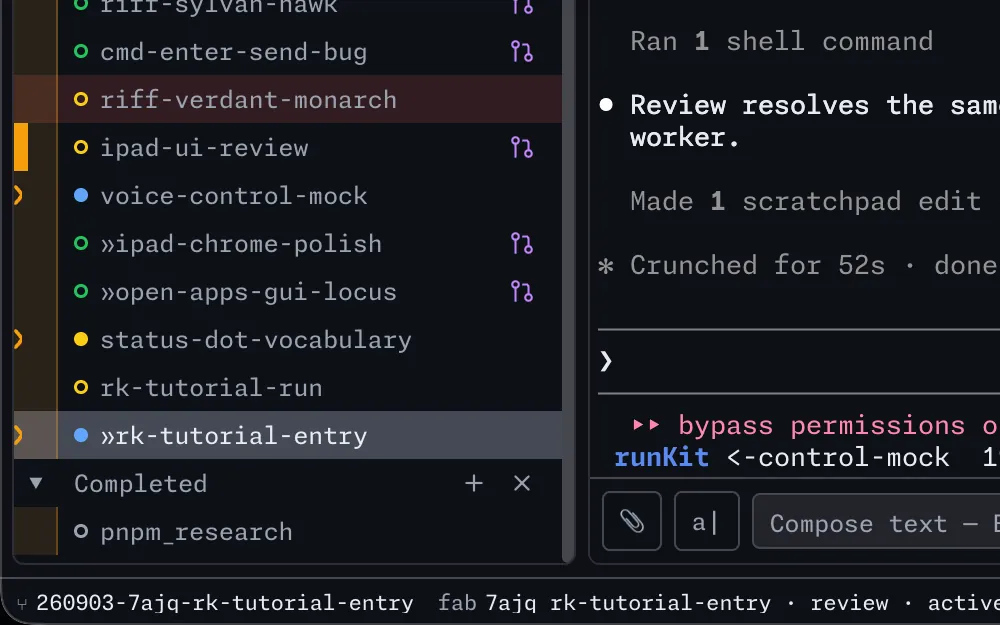
Every window running an agent says which. Claude Code, Codex, Gemini CLI and Copilot CLI report in after a one-time setup.
→ docs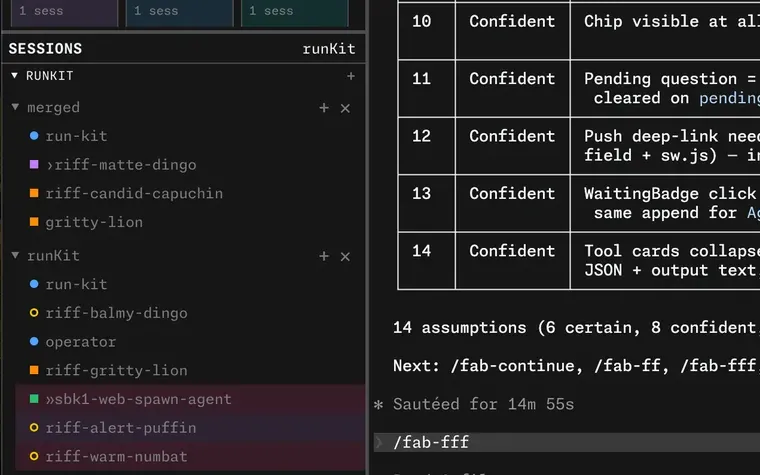
rk riff gives an agent its own git worktree and tmux window. rk riff -N 3 starts three.
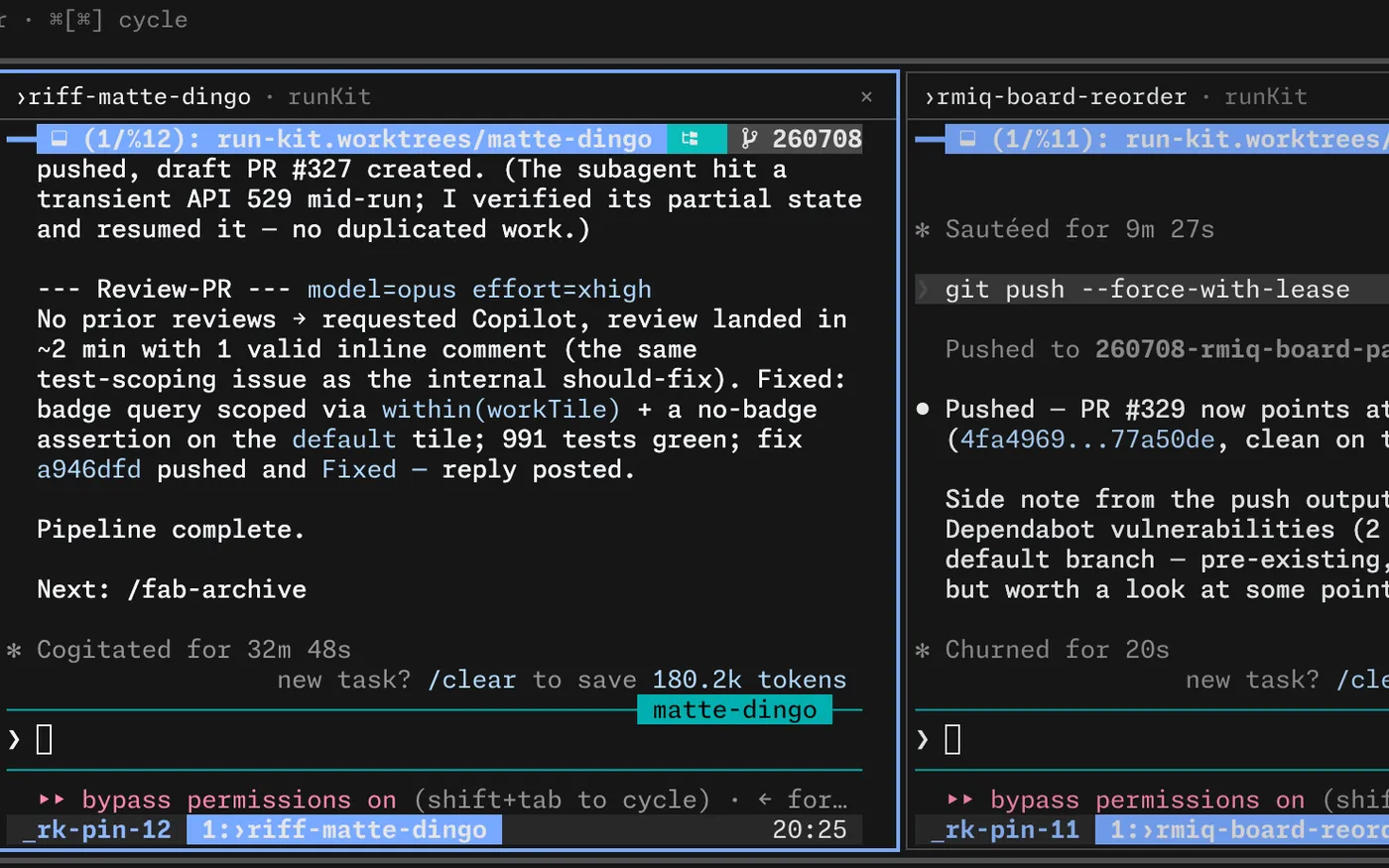
Pin panes from any machine into a board and they sit side by side. One dot per window tells you where it stands.
→ docs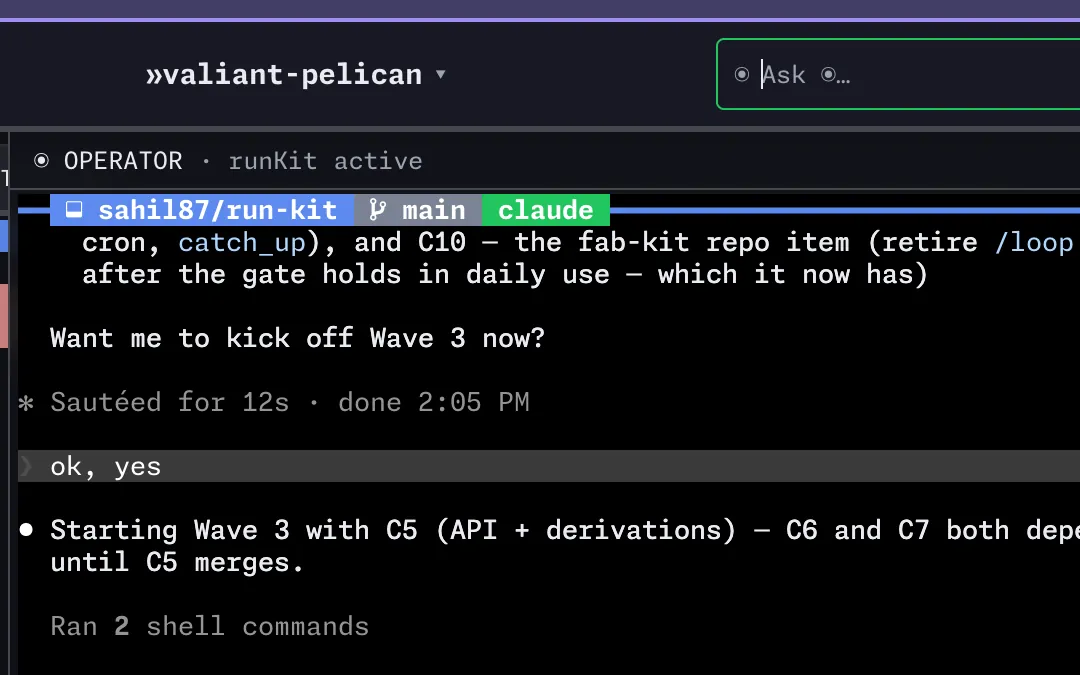
rk cron wakes an agent on a schedule. rk operator keeps watch and pings your phone.
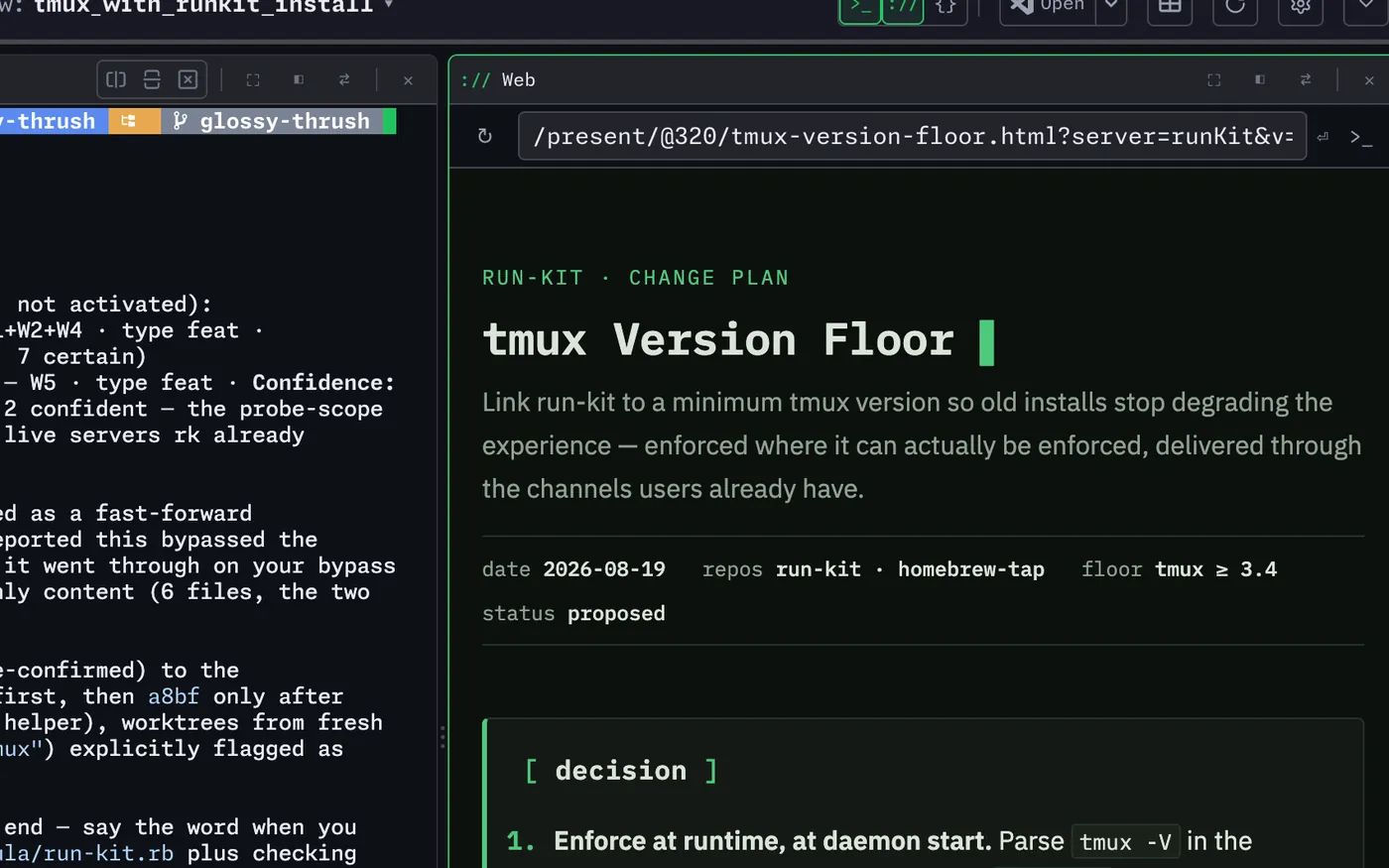
Open an editor with rk code, a web page your agent writes with rk present, or the machine’s own screen.
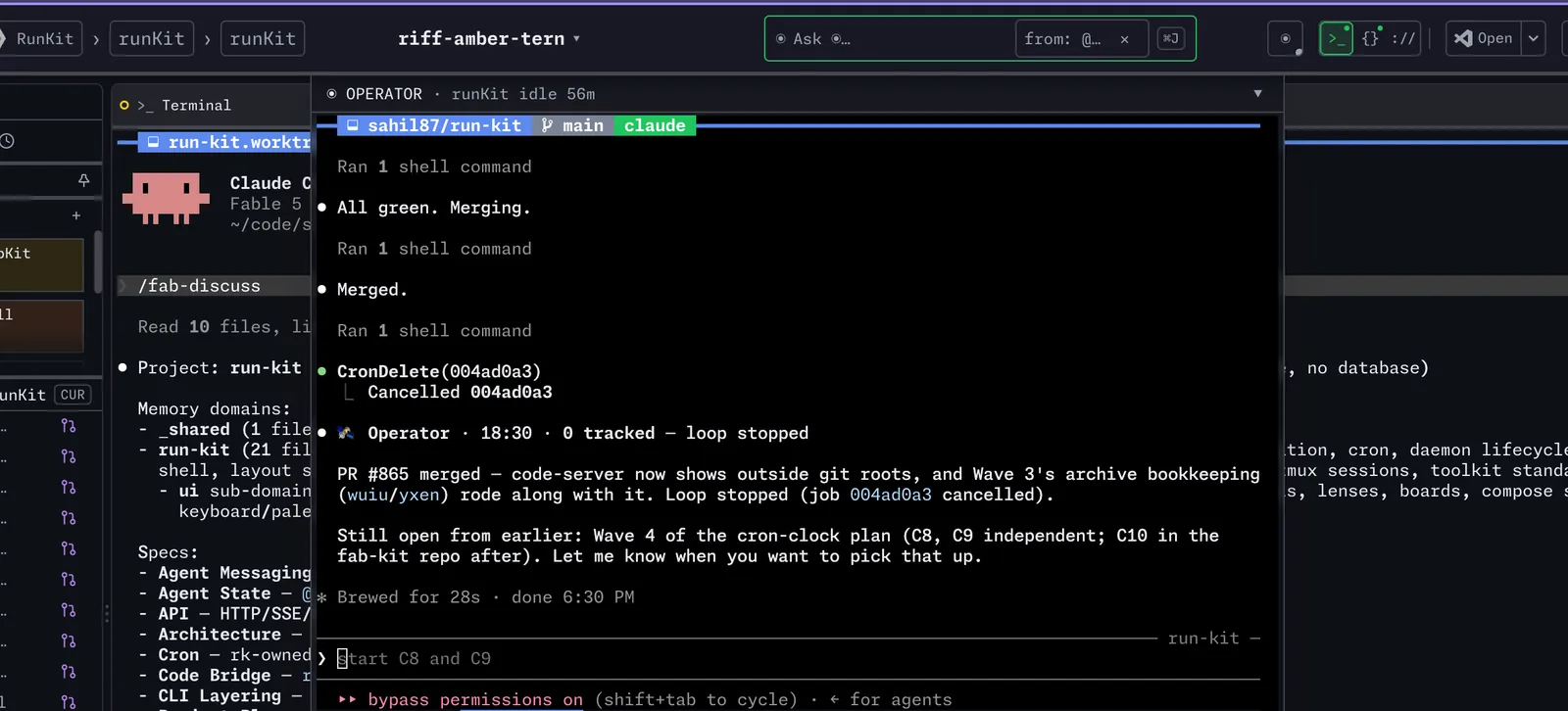
One shortcut and the operator’s console slides down over whatever you are looking at, Quake-style. Ask, get an answer, send it back up. Your pane never moves.
→ docsthe difference
Mostly what runs in those panes is coding agents, several at once. But
HexoKit never wraps them. A pane is just as happily a build, a REPL, an ssh session, htop. The agent is one of the things you run, not the thing HexoKit is.
A console for your tmux, built for the phone. Any agent, no database, nothing to keep in sync.
An agent wrapper. It reads no agent’s output and speaks no agent’s protocol. When the agent tools change again, this layer stays put.
the toolkit
HexoKit is the cockpit. Six small tools sit on its six edges, and shll installs them all.
desktop
The dashboard in a window of its own, with the same keyboard shortcuts you are used to in a terminal — none of them swallowed by a browser tab. It connects to this Mac, to another over SSH, or to any URL, and it starts and stops nothing on its own. Your tmux sessions outlive it.
rk desktop installrk desktop updateInstall from the CLI. A downloaded DMG trips Gatekeeper; this one does not.